HomeOneplus pad go lcd assembly black
Express Delivery
Price (₦)
-
Discount Percentage
Brand
Oneplus pad go lcd assembly black
(110 products found)
Related results:
Elevate your OnePlus Pad experience with our high-quality LCD assembly in sleek black. Designed for seamless compatibility, this replacement part ensures vibrant display performance and touch responsiveness. Ideal for repairs or upgrades, the OnePlus Pad Go LCD assembly is crafted to meet strict quality standards, guaranteeing durability and reliability. Restore your device to its original brilliance and enjoy an immersive viewing experience. Shop now for premium quality and exceptional value at Jumia en-NG!


Oneplus 6 OLED LCD Touchscreen
₦ 65,700
₦ 75,000
-12%
Low Stock


OnePlus 3T OLED LCD Display Touch Screen Digitizer Assembly
1 (1)
₦ 47,500
₦ 65,000
-27%
Low Stock


OnePlus 3T OLED LCD Display Touch Screen Digitizer Assembly
₦ 65,000
Low Stock
Jumia Express


OnePlus Nord N10 5g Screen
5 (1)
₦ 36,500
₦ 40,500
-10%

OnePlus One LCD and Touchscreen Replacement Part
₦ 36,000
Low Stock


OnePlus 5T OLED LCD Touchscreen
₦ 65,000
₦ 75,000
-13%
Low Stock


Oneplus Nord N200, Oppo A93 5G LCD Touchscreen
₦ 38,800
₦ 45,000
-14%


Oneplus 6T A6010 A6013 OLED Fingerprint Supported Screen
5 (1)
₦ 63,550
₦ 78,500
-19%
Low Stock


UMIDIGI Bison GT
₦ 30,000
₦ 38,000
-21%
Low Stock


Oneplus 7 OLED LCD Touchscreen
₦ 63,500
₦ 75,000
-15%
Low Stock


Oneplus Nord 5 OLED LCD Touchscreen
₦ 106,900
₦ 145,000
-26%
Low Stock


Oukitel WP16 LCD Display Touch Screen Digitizer Assembly
₦ 33,500
₦ 39,000
-14%
Low Stock


Oukitel C21 LCD Touchscreen Assembly
₦ 39,500
₦ 45,000
-12%
Low Stock


Umidigi Bison Pro LCD Display Touchscreen Assembly
₦ 38,500
₦ 45,000
-14%
Low Stock


Oukitel C21 Pro LCD Touchscreen Assembly
5 (1)
₦ 39,500
₦ 45,000
-12%
Low Stock

Oukitel K13 Pro LCD Touchscreen Assembly
₦ 90,000
Low Stock


Oukitel K13 Pro LCD Touchscreen Assembly
₦ 78,000
₦ 90,000
-13%
Low Stock


OnePlus 9 AMOLED Touchscreen
₦ 109,500
₦ 125,000
-12%
Low Stock


Oukitel C17/C17 Pro LCD Touchscreen Assembly
5 (3)
₦ 35,800
₦ 45,000
-20%
Low Stock


Umidigi A11 Pro Max Charge Port Sub Board
3.8 (9)
₦ 11,000
₦ 20,000
-45%

Blackview A80 A80S LCD Touchscreen
₦ 33,500
₦ 41,500
-19%
Low Stock


Umidigi A11 Pro Max LCD Touchscreen
3.8 (4)
₦ 36,500
₦ 45,500
-20%
Low Stock


Blackview BV9900, BV9900E, BV9900 Pro LCD Touchscreen Assembly
₦ 90,000
₦ 125,000
-28%
Low Stock
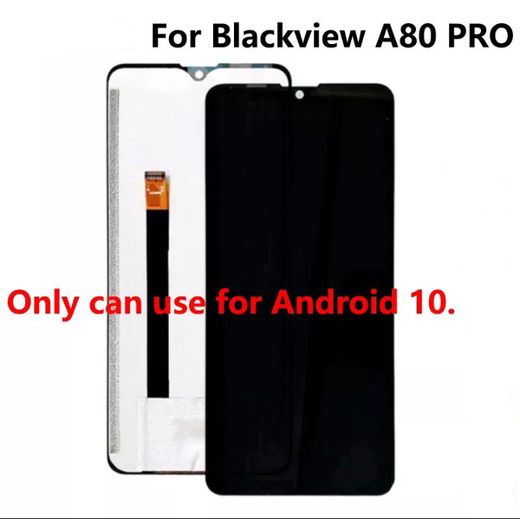
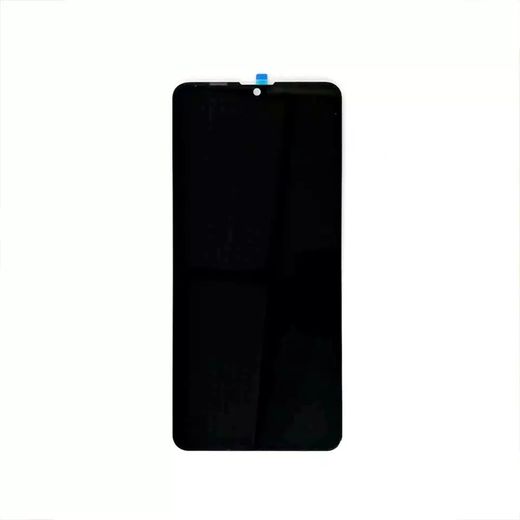
Out of Stock
Blackview A80 Pro LCD Touchscreen
₦ 35,000


For Oukitel C21 Pro LCD Display Screen Assembly
₦ 37,073
Low Stock
Jumia Express


Umidigi A13 Pro LCD Screen
4 (4)
₦ 23,000
₦ 40,000
-43%


Out of Stock
Sony Xperia 5 II OLED LCD Display Touch Screen Digitizer Assembly
₦ 233,050
₦ 255,000
-9%


Sony Xperia XZ3 OLED LCD Display Touch Screen Digitizer Assembly
₦ 149,000
Low Stock
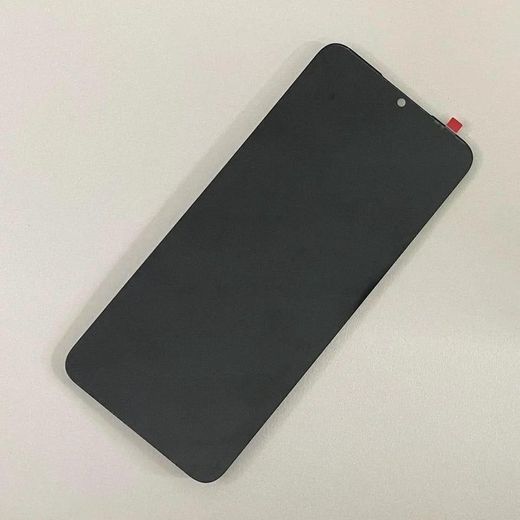
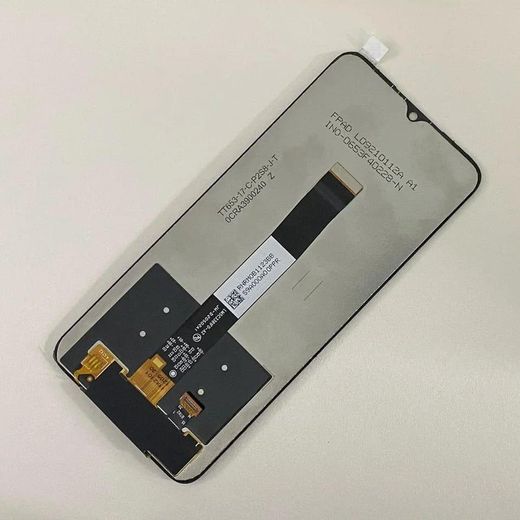

UMIDIGI Power 5/Power 5S
4.4 (10)
From ₦ 24,000
₦ 28,000
-14%
More Variants Available


OnePlus 8T, OnePlus 9R, Realme X7 Pro OLED Touchscreen
₦ 109,000
₦ 125,000
-13%
Low Stock


Blackview A100 LCD Touchscreen
₦ 33,500
₦ 47,500
-30%
Low Stock


FreeYond M5 LCD Screen
3.5 (22)
₦ 25,000
₦ 40,000
-38%


For Cubot Note 20 Pro LCD Display Touch Screen Assembly
₦ 52,371
Low Stock
Jumia Express


UMIDIGI F2/Power 3 LCD Screen
4 (2)
₦ 32,000
₦ 34,000
-6%


OALE CC1 Pro LCD Touchscreen
₦ 38,500
₦ 55,500
-31%
Low Stock


Umidigi Bison X10, X10 Pro LCD Display Touch Screen
5 (1)
₦ 31,500
₦ 38,500
-18%
Low Stock


Umidigi Bison GT2 4g, Bison GT2 5g LCD Display Touch Screen
₦ 39,500
₦ 45,500
-13%
offers from
Low Stock


Out of Stock
Blackview A200 Pro AMOLED LCD Touchscreen With Frame
₦ 107,900
₦ 125,000
-14%


Out of Stock
Oneplus Nord CE 5G, Nord 2 5G, Nord 2T, Oppo Reno5 4G/5G, Reno6 4G/5G, Reno7 4G, Realme GT Neo, GT Master Edition LCD Touchscreen
From ₦ 47,500
From ₦ 65,000
-27%
More Variants Available


Umidigi G5 LCD Touchscreen
₦ 39,970
₦ 45,500
-12%
Low Stock
Frequently Asked Questions About oneplus pad go lcd assembly black
How do I choose the right oneplus pad go lcd assembly black category for my device?
Start by confirming device compatibility, display type, and color. Look for LCD display with touch screen digitizer in black designed for OnePlus devices, and decide if you need a full assembly with a frame. Consider whether you want a ready-to-install kit or a standalone digitizer, and ensure the part is listed for the OnePlus/Nord family you’re repairing. Choose a reputable source in the replacement-parts category to avoid低-quality components.
In the oneplus pad go lcd assembly black, what is the most complex attribute you should understand, and why does it matter?
The most complex attribute is the display technology and its integrated digitizer. This determines touch responsiveness, brightness, contrast, and overall compatibility with the device’s frame. Ensure you select the correct LCD versus OLED configuration, that the digitizer is calibrated for accurate touch, and that the frame and connector layout match your device. The black finish should align with the device’s aesthetics and mounting requirements.
What usage scenarios does the oneplus pad go lcd assembly black fit best for, for a beginner versus a pro?
It works well for both beginners and professional technicians when the right, complete assembly is chosen. Beginners should opt for ready-to-install kits with clear instructions and, if possible, a frame included to simplify mounting. Pros can handle precise connector alignment and calibration, but still must verify overall compatibility across OnePlus devices and ensure proper tooling and safety practices are followed.
What maintenance and compatibility tips should I follow for the oneplus pad go lcd assembly black, especially mounting, cleaning, and standards?
Follow standard installation guidelines and use proper mounting adhesive and tools. Work in an ESD-safe environment, clean the frame surface before mounting, and avoid applying excessive pressure on the flex connectors. After assembly, test touch response and display quality to confirm a reliable, safe fit across OnePlus devices.
How can I verify compatibility across brands when shopping for the oneplus pad go lcd assembly black, given the generic replacement-parts options?
Check compatibility by matching display type, frame dimensions, and connector layout across brands. Look for a LCD display touch screen digitizer assembly in black labeled for OnePlus devices, and verify whether a frame is included or if adapters are required. Prefer reputable sellers with clear compatibility notes and, when in doubt, reach out to support before purchasing.